Allocate resources
Assign the chauffeur and vehicle for the journey so the office and driver are working from the same booking.

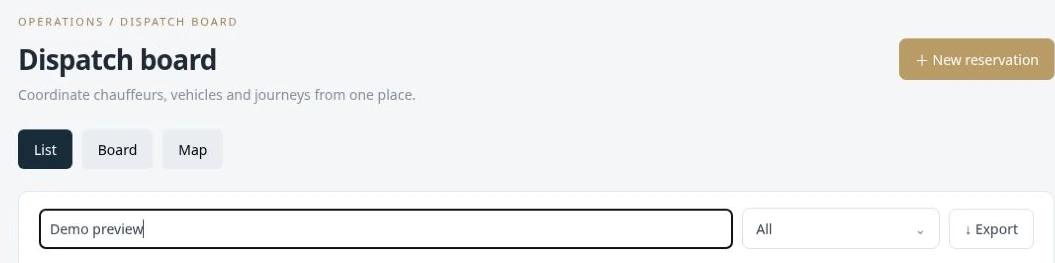
Assign trips, follow live locations and coordinate partner operators.
Coordinate reservations, chauffeurs and vehicles from the dispatch workspace. Live location sharing and journey statuses help the office understand what is happening on the road. Tracking depends on the connected driver device, location permission and connectivity; the board brings the available information into one operational view.
Assign the chauffeur and vehicle for the journey so the office and driver are working from the same booking.
Track the stages from On the Way to At Pickup, Passenger on Board and completion.
Review shared driver positions and trip progress when coordinating pickups and answering operational questions.
When a chauffeur marks arrival, dispatch can see the journey has reached the pickup stage instead of relying on a separate phone update.
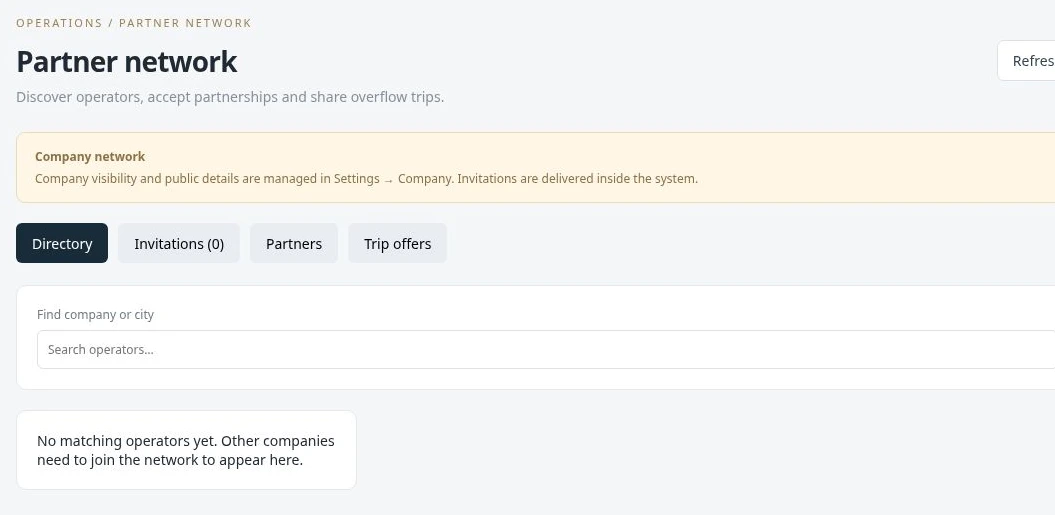
Manage partner relationships in the same environment as your customers and journeys. Send and respond to company invitations, keep partner account details organized and assign work through the network workflow. This gives the office a clearer record of who is handling a journey when another operator is involved.
Manage invitations between companies and accept or decline network connections.
Use the partner company workflow for journeys handled by a connected operator.
Use partner-related reporting to understand the work and income associated with the network.
When your own vehicles are committed, the team can coordinate a journey with a trusted partner and keep the assignment connected to the operation.
Record operational incidents in a structured place instead of leaving details scattered across messages. Link an incident to its reservation, keep the associated driver and vehicle context, and record the time, location, description and supporting files for later review.
Select an incident type and connect it with the relevant reservation.
Record the event’s date, time, location and description.
Attach photographs or documents so the office can review the record with its evidence.
If a vehicle issue occurs during a trip, the incident can retain the reservation link, a written description and supporting photographs.
 Enlarge actual screen +
 Enlarge actual screen +
See what a connected workspace can do for your limousine business.