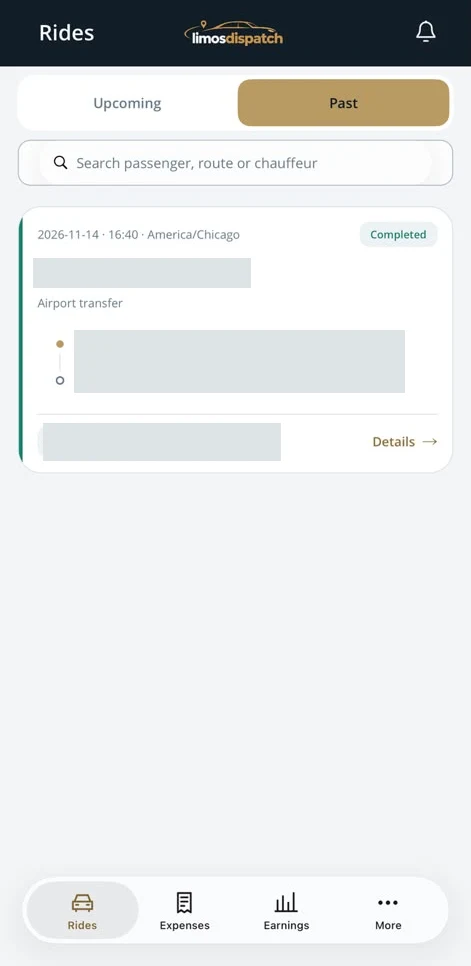
Rides
Switch between upcoming and past rides and search by passenger, route or chauffeur.

See real screens for rides, mileage, expenses and earnings.
Actual app screens. Tap any image to enlarge it.
Switch between upcoming and past rides and search by passenger, route or chauffeur.
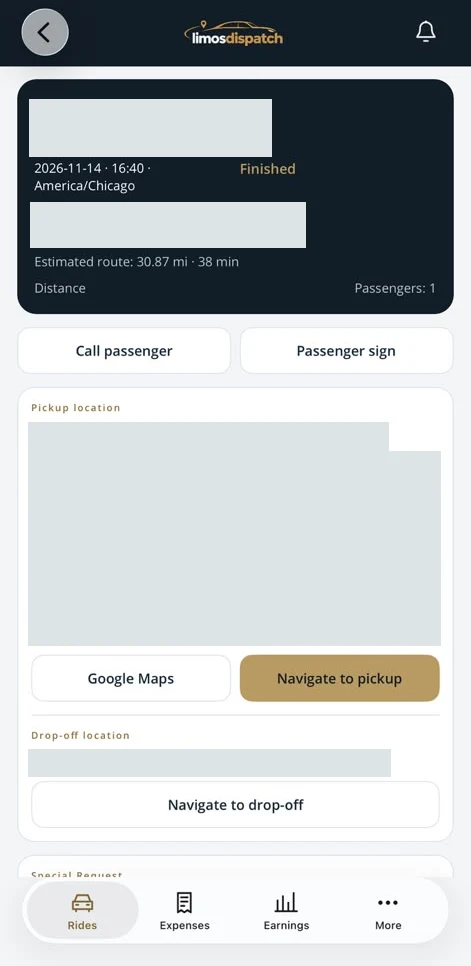
Open pickup and drop-off directions and access passenger calling and signature controls.
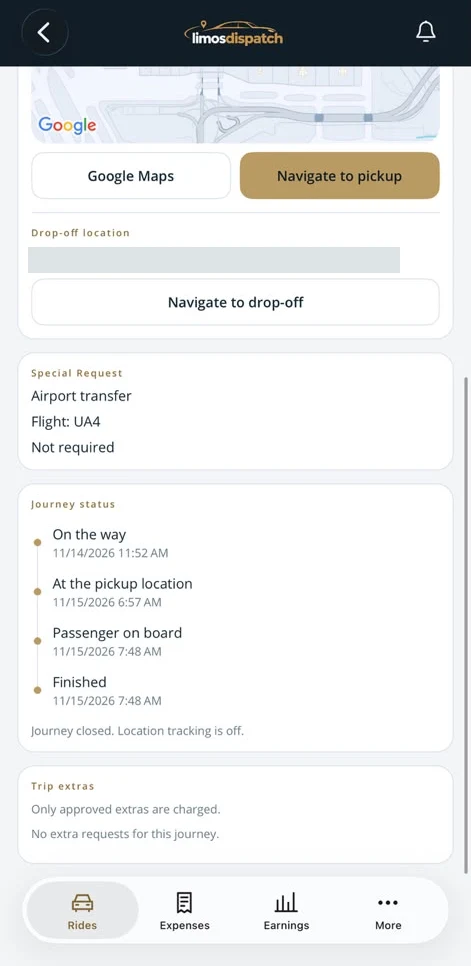
Review timestamps for departure, arrival at pickup, passenger onboard and trip completion.
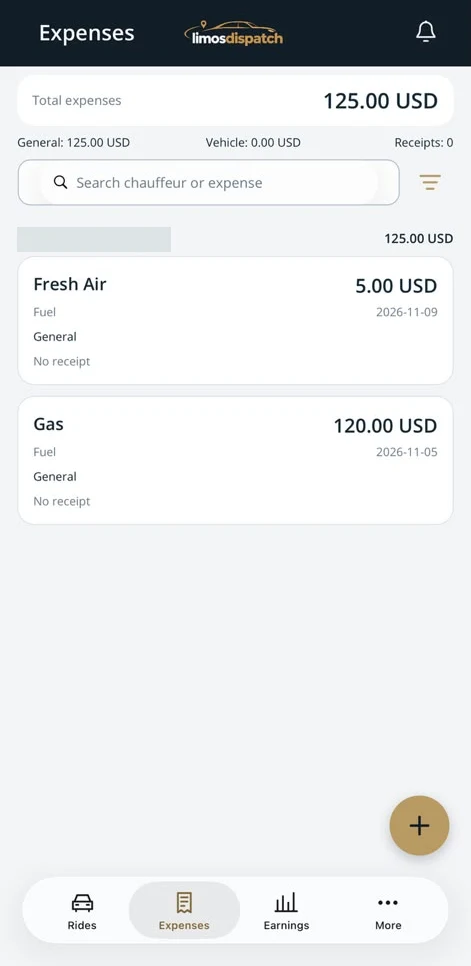
Review totals and receipts, search entries and filter expenses.
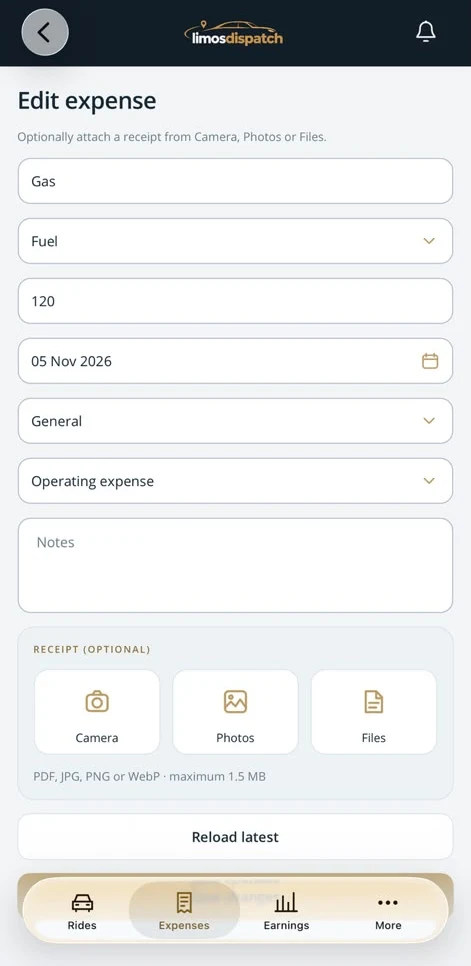
Classify an expense and attach an optional receipt from Camera, Photos or Files.
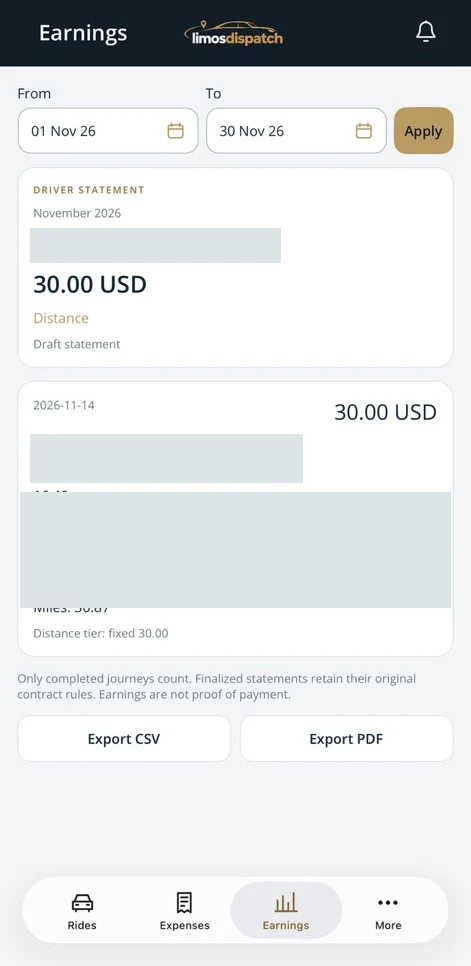
Filter statements by date, review earnings from completed trips and export CSV or PDF.
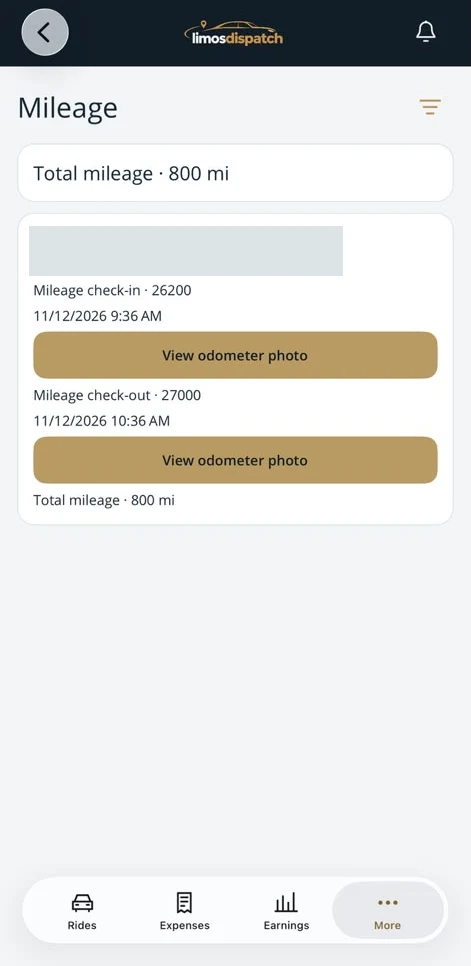
Compare check-in and check-out odometer readings, open their photos and review total mileage.
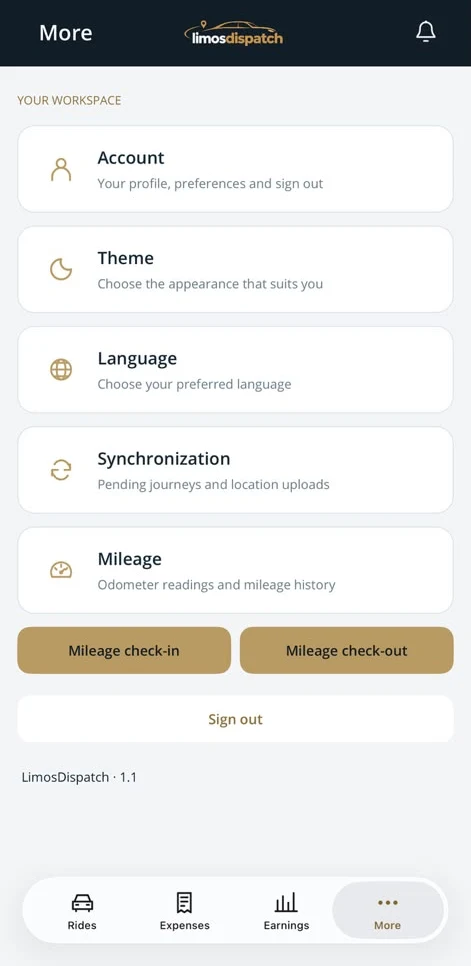
Open mileage check-in and check-out, review pending sync uploads, and adjust language and appearance.
The dedicated driver workspace brings assigned journeys to the chauffeur’s browser. Drivers can review upcoming and past trips, read route and pickup information, share their location and update progress during the ride. The portal connects the office workflow with the person carrying out the journey.
Review the assigned booking, route and instructions before starting the journey.
Record On the Way, arrival at pickup, Passenger on Board and Finish as the trip progresses.
Use browser location sharing with the required device permissions and connection.
A chauffeur opens the upcoming trip, checks pickup instructions and records arrival from the driver portal. Dispatch sees the updated trip stage.
Completion is a distinct part of the trip workflow. Record when a journey finishes and capture a passenger signature where required. Offline completion support helps preserve a completion action when the connection drops, then synchronizes it when connectivity returns.
Use the trip’s finish action so the office can distinguish active work from completed work.
Use the passenger signature workflow when the service requires a signed record.
Retain the offline completion action for synchronization when the device reconnects.
At the end of a trip in a poor-signal area, the completion workflow can be retained for later synchronization rather than depending on an immediate connection.
See what a connected workspace can do for your limousine business.